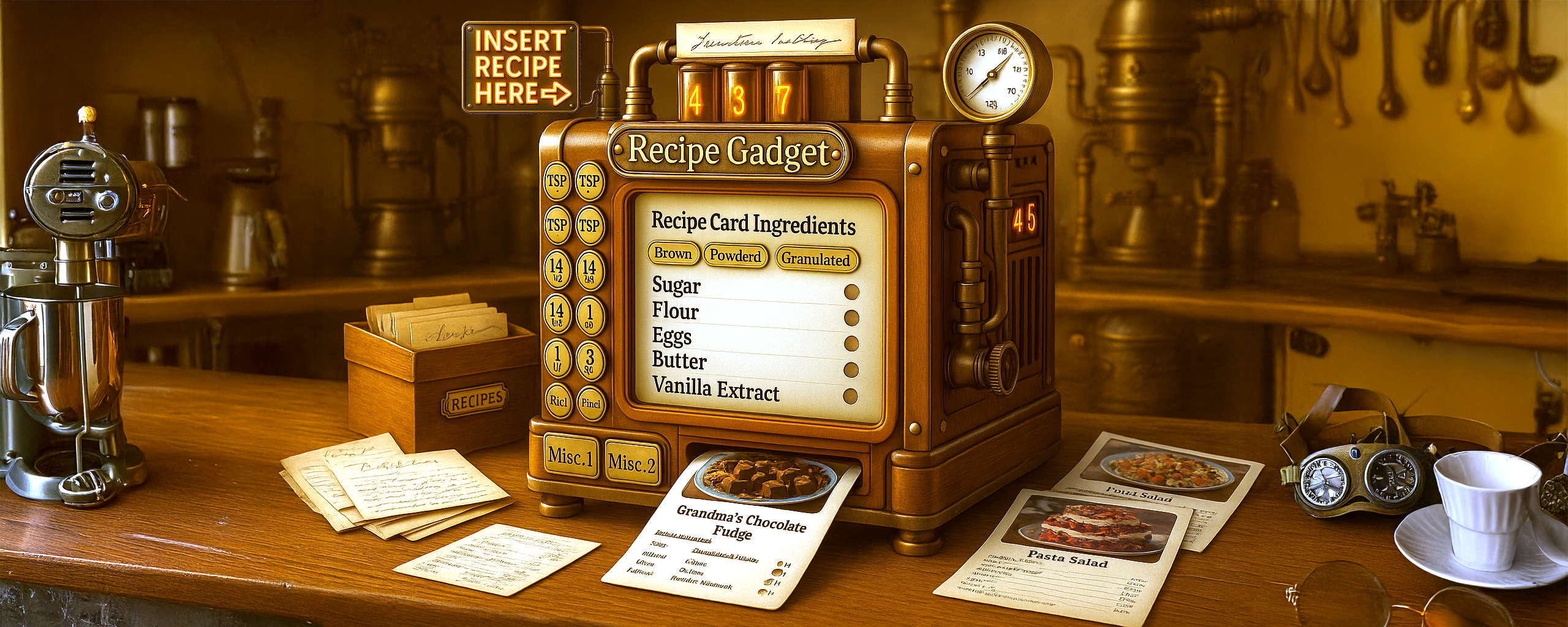

Step 1: Build Your Recipe Gadget on Desktop
Recipe Gadget helps families preserve heirloom recipes and transform handwritten notes into organized, searchable, digital recipe cards, shareable with current generations and many to come. Instead of getting lost in cluttered cooking blogs, ads, pop-ups, or endless scrolling, you can finally build a private, ad-free recipe box designed for the way real people cook at home.
Every recipe begins with our ingredient-smart entry system. Choose your category, click common ingredients, and tap to add quantities—no typing required. Our curated ingredient collections make it simple to enter detailed recipes quickly, even if they’ve been passed down through generations on index cards, scraps of paper, or memory.
Do this part on your computer at RecipeGadget.com.
What the Recipe Gadget Does
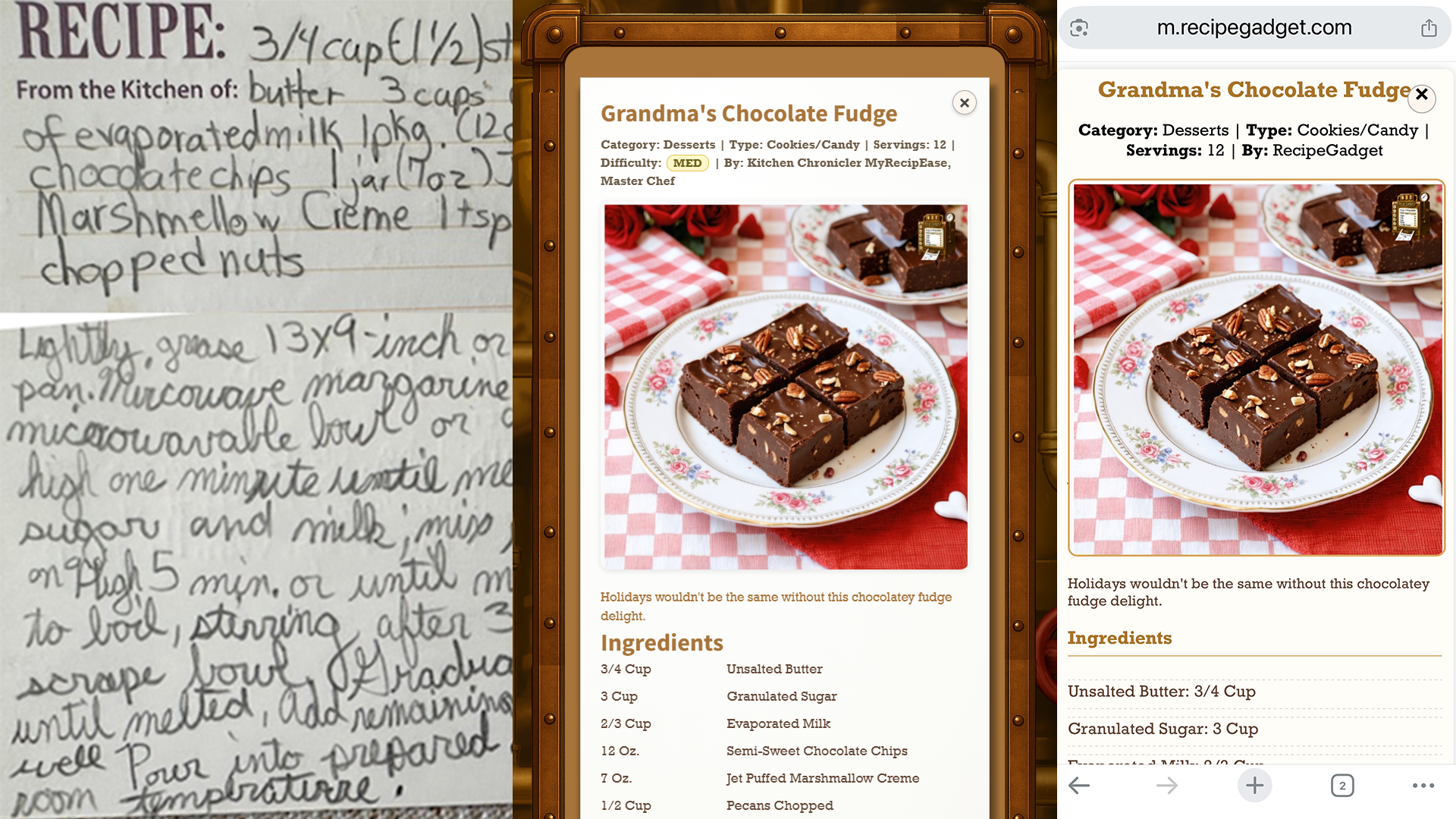
Step 2: Turn Recipes into a Living Cookbook
Think about the things you reach for a computer for: writing a paper, building a spreadsheet, putting together a slide deck, editing photos or audio, running a popular online game, or managing online classes and meetings. You might check notifications or email on your phone, but when you need to get real work done, you sit down at a laptop or desktop. Recipe Gadget lives in that same category: it’s a workstation for creating, organizing and preserving heirloom recipes, not a toy you poke at while standing in line.
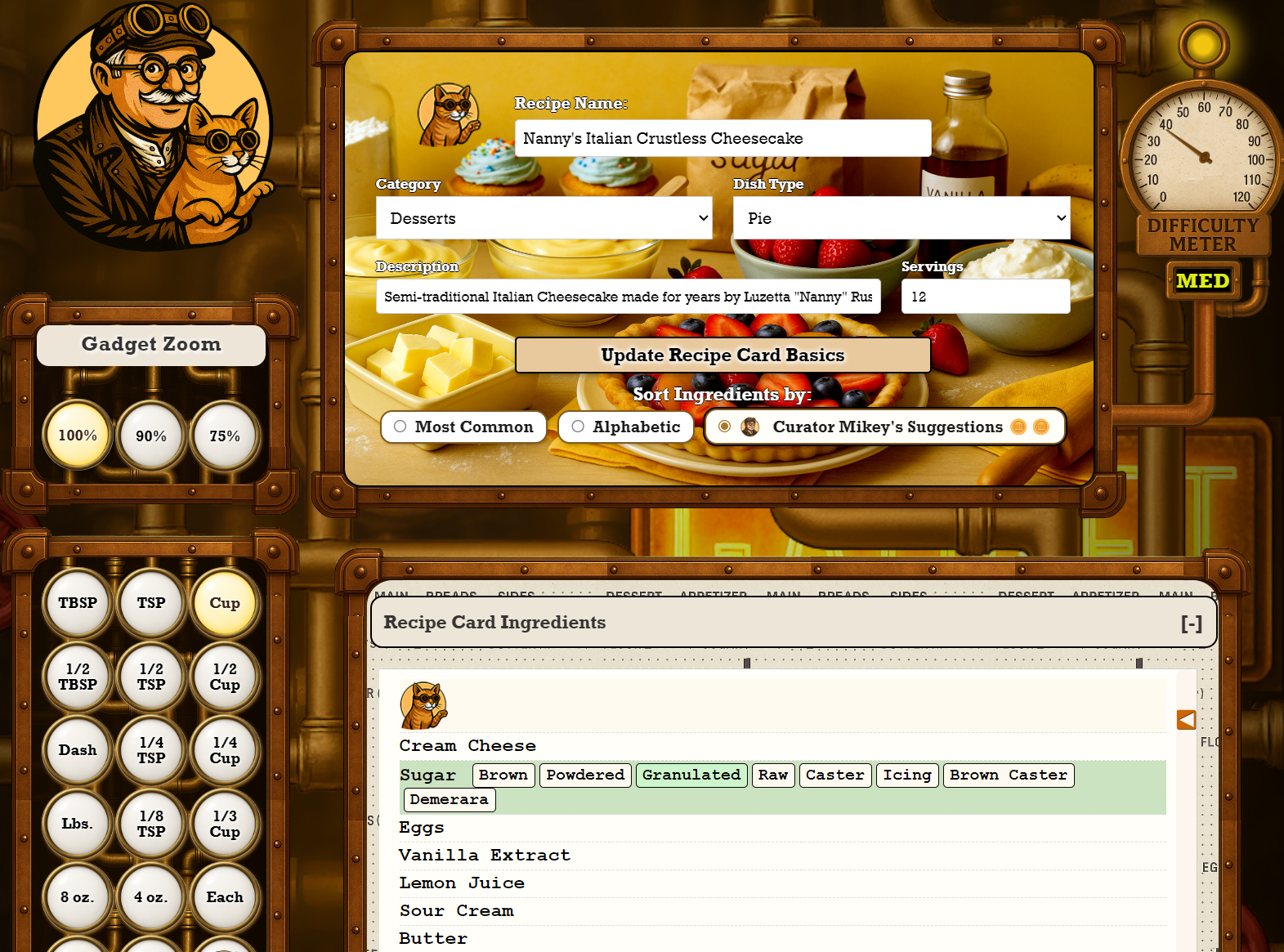
Recipe Gadget has a world-class Mobile Kitchen Companion, but its heart and soul exists only on desktop. The Gadget packs in ingredient grids, measurement panels, AI helpers, image tools, XP tracking, and detailed moderation in one place. That kind of interface belongs on a real screen with a keyboard and mouse, not squeezed into a six-inch glass rectangle.
Do this part on your computer at RecipeGadget.com.
What the Full Gadget Looks Like on Desktop
Step 3: Cook with the Mobile Kitchen Companion
Once your recipes are created on a desktop screen, that’s when your phone takes over. The Mobile Kitchen Companion is built for cooking, not editing: big text, step-by-step views, favorites, and public recipes you can pull up at the stove. The philosophy is simple: do the serious creation and organization on desktop, then use your phone as a clean, focused cooking console when it’s time to make the food.
Do this part in the Mobile Kitchen Companion on your phone.
Latest from the Recipe Gadget Journal
Short, kitchen-friendly articles from Curator Mikey – focused on real home cooking, heirloom recipes, and keeping your time at the stove a little smoother.
Loading the latest articles…